
Canada’s meeting place for freelance writers and creators
Established 2010
Canada’s meeting place for freelance writers and creators
Established 2010


by Miranda Miller
In my column on growing your freelance business in 2015, one of my “must-haves” for you this year was a beefed-up social media presence. So… how’s that going for you?
Here are some of my favourite social media tools to help you on your way. See, we only have so many hours in the week (15 or 20 too few, usually), but we have an incredible selection of tools online to help automate some processes and simplify others. In fact, there are so many social media marketing tools out there that it’s tough to decide which ones might benefit you most.
Your time is worth money (remember?) and these tools can help you save time and put out more compelling, engaging social content. Give these a shot:
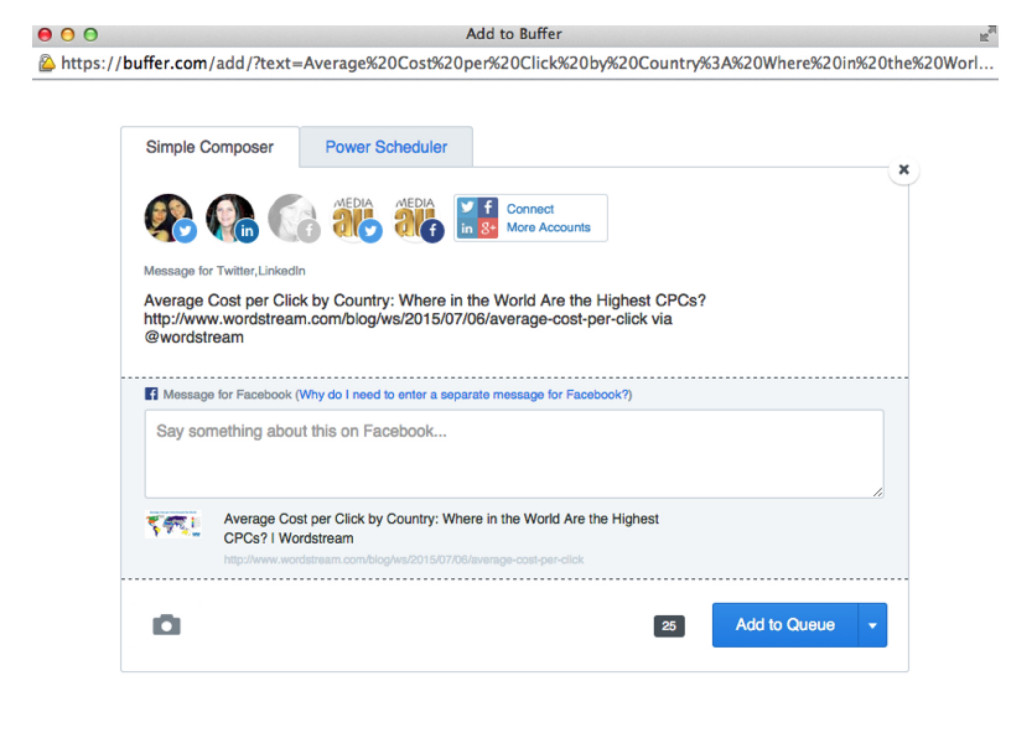 As you load links into your Buffer App, it schedules content to post to your Twitter, Facebook, LinkedIn or other connected accounts. You can always review and reschedule content:
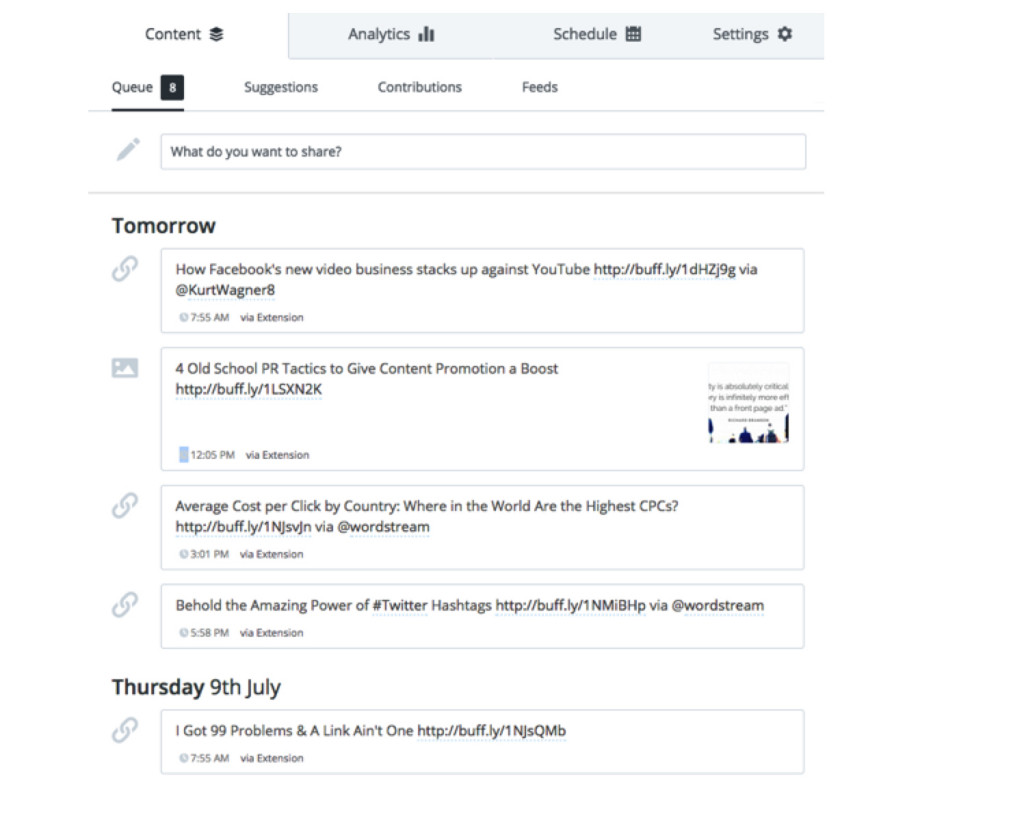
Buffer costs $10 a month and you can see a breakdown of how that’s spent by the company here (they’re an unusual startup with a complete transparency policy).
Canva is an amazing free tool that gives even the most design-challenged individuals the ability to create beautiful images for blog posts, social content and more. The only cost involved is for stock images, if you forego the free offerings and choose their imagery, in which case it’s $1 an element.
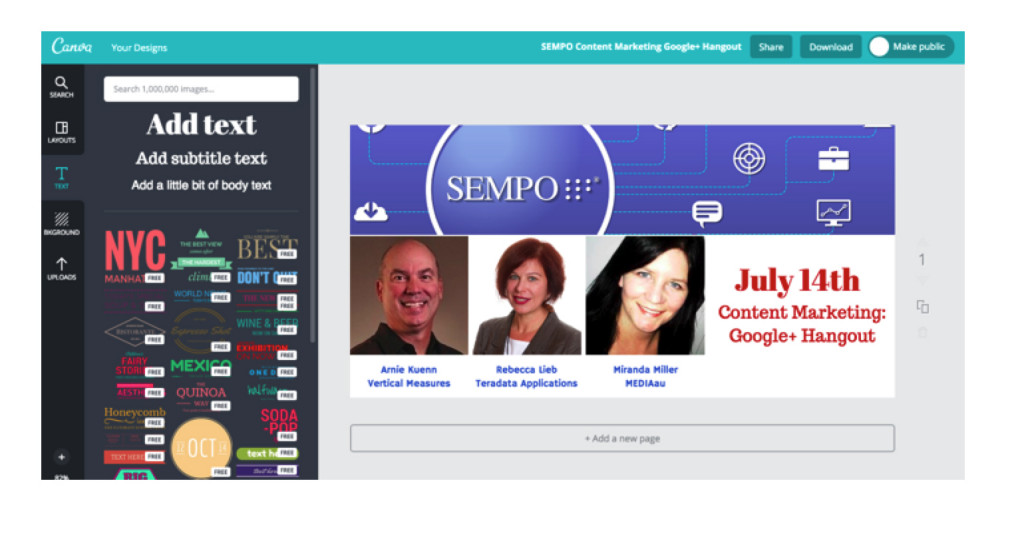 If you have your own images, you can upload those and add text, shapes, backgrounds and more.
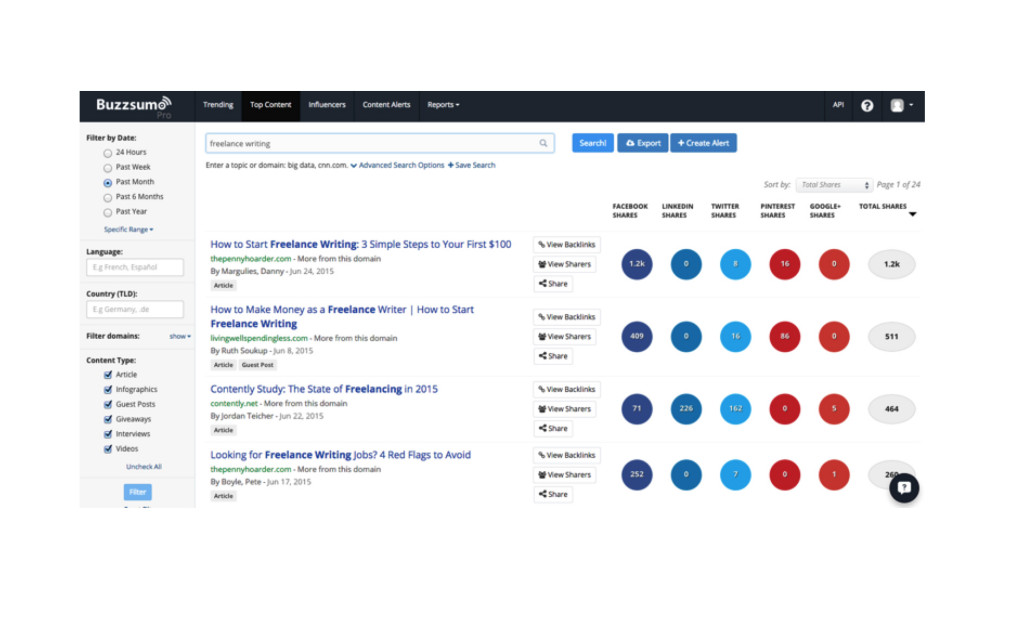
Using the free version will show you only a limited number of results, but you can unlock the full version for $79 a month. It may seem steep on a freelancer’s budget, but it can be really useful in content planning, research and discovery for clients, as well. This may be one cost you can pass on to a client who could benefit from it, as well.
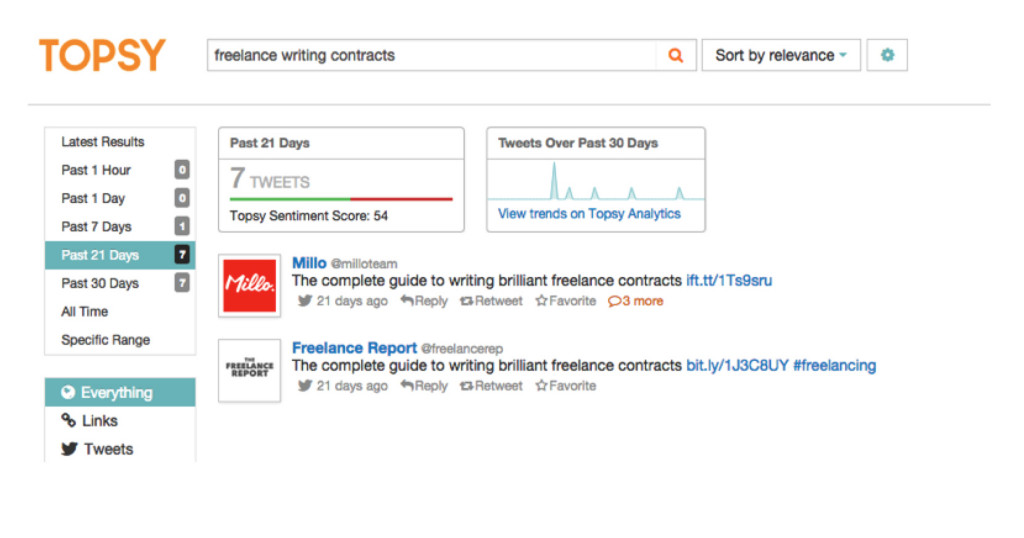
Topsy is a social search engine that scans tweets for relevance to your keywords, enabling you to quickly find the most recent conversations happening around topics you care about. You can click to respond directly from within the Topsy platform:
RiteTag is a great tool for researching your hashtag options and inserting relevant, popular tags into your tweets.
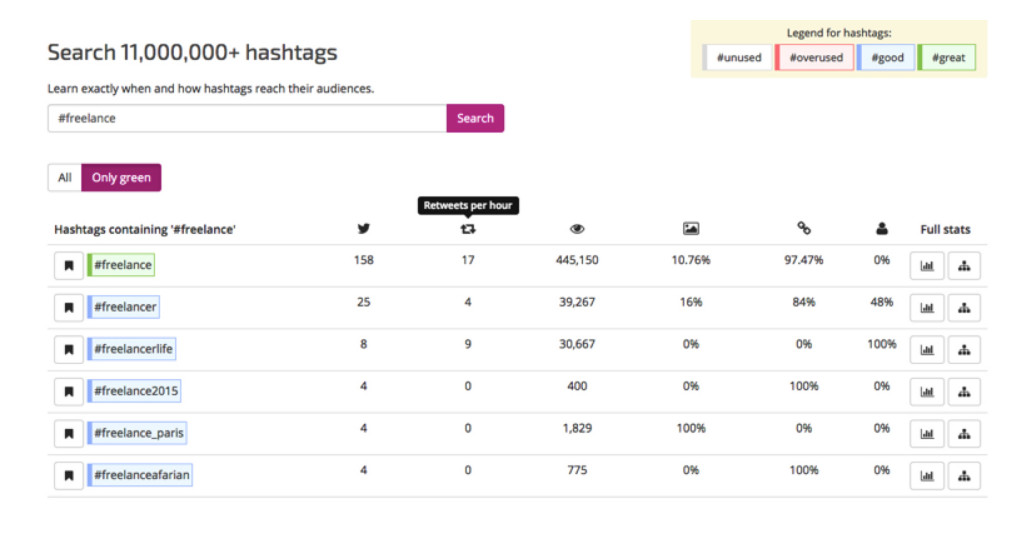
Type in your topic of choice to see related hashtags, including statistics about their popularity (unique tweets per hour, number of retweets per hour, potential views per hour, and more).
So that’s the Holy Grail on LinkedIn -- being featured in Pulse because your content was super popular will get you thousands of readers. But first, you have to start publishing there and build your audience.
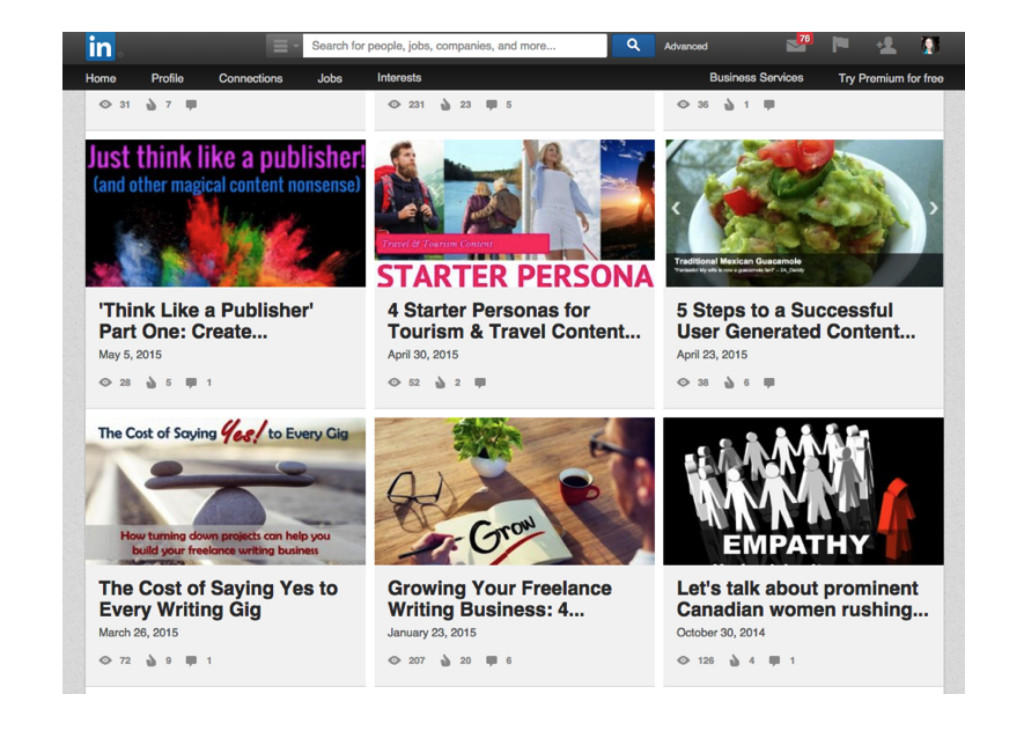
If you’ve used a blog, you’ll have no trouble with LinkedIn’s stripped down, bare bones publishing platform. You can add text, images, basic formatting commands, tags, and links… and that’s about it. This is a great place to syndicate content you’re already publishing on your blog -- just link back to the original source. LinkedIn offers an excellent guide to help you get started with publishing on their network here.
Do you have a favorite social media marketing tool other than those listed above? Share it in the comments and ping me on Twitter if you have any questions.
Next Post: Newspapers reject overreaching freelance photography contracts
Previous Post: Off The Wire: News for the Canadian media freelancer July 7-13
Hi Bonnie,
Isn’t Canva awesome? Once I started using it, I felt like I’d wasted so much time with other tools.
I actually don’t use HootSuite anymore and haven’t for at least a couple of years now. For me, I think it’s just a matter of preference, but I prefer Buffer and don’t see a need to use both!
Thanks,
M



Bonnie Zink July 15, 2015 - 6:44 AM
Great list! It is missing Hootsuite. This is a powerful management system that actually includes many of the features of options like Buffer (scheduled posts) and other popular software.
I absolutely LOVE Canva!