Canada’s meeting place for freelance writers and creators
Established 2010
Canada’s meeting place for freelance writers and creators
Established 2010


[caption id="attachment_8685" align="alignright" width="258"]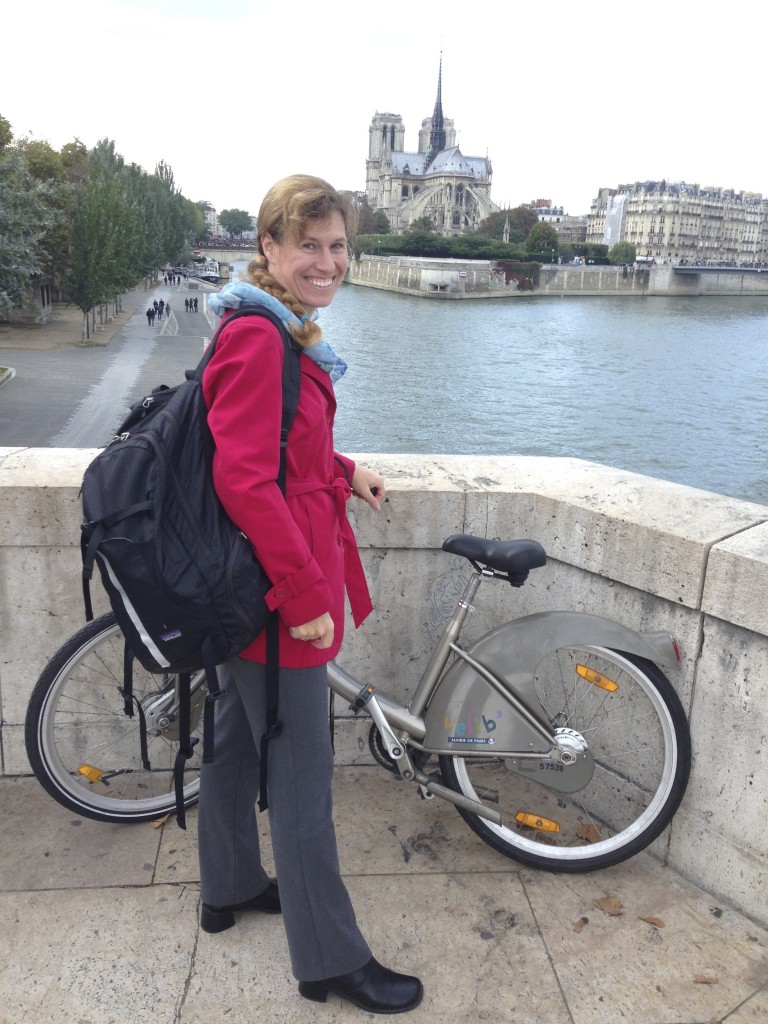 Science writer Lesley Evans Ogden takes us on a tour of the best apps for freelancers[/caption]
by Lesley Evans Ogden
Ever thought that if you just worked more efficiently, you could save precious time to spend:
I've briefly mentioned a few useful freelancer tools and applications in previous posts, (here, and here). In this post I focus in on gadgets, gizmos, and apps that rock your freelancing world. Through social media posts and reposts, I've assembled an entirely non-random, unscientific sample of what freelancers, writers, and content producers consider their favorites.
Some of the ideas below come from a survey I put together on Survey Monkey – (it's still open here if you'd like to contribute your insights for future postings). I asked content producers across a broad range of media platforms (print, web, audio, video, and multi-media) what gadget, gizmo, or application they found MOST useful for enhancing work productivity. Here's what they said:
Evernote is not a panacea. One person noted that they wished that “Endnote [was] less of a monolithic chore. I really need access to organized references. Endnote is necessary with a garbage interface and way too resource greedy.”
I’d tend to agree. Once they’ve you hooked with the free version, you’ll soon run out of space on your account, and have to pay for the Premium version.
Several respondents also gave a nod to Scrivener, which I haven’t used.
Here’s what one respondent said about Scrivener:
“You can keep all the research, drafts, notes, images, weblinks handy as you work, very easy and intuitive to organize. Even 13 one hour episodes [of a] documentary series become more manageable and it's easy to export research reports, script outlines, script drafts, etc as required. And you can file share too!”
Other ideas for cloud-based idea storage:
Google Drive for production
“[You can] access from anywhere. Yay editing a quick update from the side of the road!”
The iPad (4th generation)
“I can carry ALL my research with me and check anything within a few seconds. It has made me ALMOST paper-free. (I still take notes on paper; I just can't find anything to beat the tactile and mnemonic possibilities of writing on paper for memory-intensive tasks.)…iPad really comes down to the apps… the most important, Goodreader (Hands-down the number one app for the iPad! Unbeatable), Instapaper, CleanWriter, Simplenote, and the TD Canada Trust iPad app. (Surprise! But really, for saving time it's amazing.)”
TO DO LISTS
Many of the other recommendations fell into a category I would refer to as: Fancy To Do Lists.
Appy to-do lists recommended included, TeuxDeux, Trello, and AnyDo.
One respondent said:
“My absolute fav tool is the app AnyDo, which also has a Google Chrome extension that syncs with your Gmail. It's a really rich to-do application with a beautiful interface and built-in calendar function that syncs with your Google Calendar or iCal. I tend to use this for specific tasks, while I use Evernote for things like taking minutes at meetings and preparing notes for a call. For me, the key is to have tools that sync activity across your mobile device and laptop, because I tend to work intermittently from both.”
Planner Pad
This is not an app. It’s an old-style appointment book…with a twist. It’s premise is that in the two-page spread representing a week, you make a list of activities across the top, which get filtered into daily things to do in the tier below, and hourly appointments along the bottom row. The concept is that tasks are funneled and organized via an inverted pyramid.
Here’s what one user said about it:
“It lets me visually block out time for the tasks I can realistically get done each week and mentally set aside the things there's no way I'll get to until later.”
I use one myself, again upon the recommendation of freelancer Christie Aschwanden who preached the gospel of the Planner Pad at a presentation she gave in 2013 at the Santa Fe Science Writer’s Workshop. I'm not convinced I'm using it as effectively as I could be. I’m forever transferring one week’s to-dos to the following week, probably because I’m ridiculously optimistic about just how much I can accomplish in a week. However I do find the format extremely useful.
Then of course there are the old stand-bys for those who like visual and tactile evidence of their productivity. One respondent said their top app was a:
“Giant white board with 6 coloured markers. I can lay out every project- add ideas, put it in due date order. I'm visual. I just feel on top of it all when I can see it.”
Another swears by…
“Recipe cards. Write down ideas, or putting project into stacks. I can brainstorm and later put it in order.”
Though I find a number of high-tech tools useful, I also have a whiteboard behind my chair where I post all of my assignments, listing the basics including deadline, venue, story title, and length. There's something about having things written on the wall – a real not a virtual one – that psychologically provides legitimacy for what I do, and accountability for getting things done.
OTHER USEFUL APPS
Additional apps listed not necessarily as favourites, but useful, were:
An app claiming to take some of the pain out of transcribing interviews. Though don’t get too excited – it doesn’t actually transcribe them for you. Another reviewer describes it here.APPS WISHLIST
I also asked respondents to tell me what tools they'd love to have, but don't.
Here's the wish list I received:
I really wish I could find a tool that would...
I found a few options to explore here.
Calendly looks promising, except that it only seems to integrate with Google calendar, which I don’t use. I’d like something that integrates with Apple’s Calendar, works across multiple platforms, and doesn’t compromise my privacy. (Those I’m interviewing don’t need to know when I’m seeing the dentist or taking my kids to soccer practice. I just want them to see the gaps in my schedule).
That brings me to the end of this sample of potentially useful, time-saving apps for freelancers. Ironically, one could waste an awful lot of time looking for time-saving apps.
If you've got recommendations to add to the discussion, I'm all ears. (The human body has some amazing apps too). Please leave your suggestions in the comments below!
Lesley Evans Ogden is a freelance science journalist based in Vancouver, Canada. A recovering scientist, she parachuted into journalism from the ivory tower, stopping for inspiration along the way at the Banff Science Communications Program and the Santa Fe Science Writing Workshop. She is a contributing writer at Natural History and Earth Touch News, frequently contributes to New Scientist and BioScience, and her work has been featured by CBC, Mosaic, The Washington Post, CNN, The Guardian, The Scientist and Cosmos, amongst others. Say hello at lesleyevansogden.com and on Twitter @ljevanso.
Next Post: Sara Steffens on the challenges and benefits of freelance organizing
Previous Post: Off The Wire: News for the Canadian media freelancer May 27-June 2